Appointment Automation
Appointment automation that keeps your calendar full.
Ellevix sets up online booking, automatic reminders and easy rescheduling that sync with your calendar. Customers book in seconds, show up on time, and your team stops chasing confirmations.
Works with Google Calendar, Outlook, Calendly and the tools you already use.
The problem
Every missed appointment is lost revenue.
Manual scheduling eats your team’s day, and every no-show leaves an empty slot you can’t sell again.
No-shows and late cancellations
Customers forget, cancel at the last minute or never confirm, and the slot sits empty.
Phone and message tag
Your team spends hours going back and forth to find a time that suits both sides.
Booking only in office hours
Customers who want to book in the evening or at the weekend go somewhere else.
The basics
What is appointment automation?
Appointment automation is software that handles scheduling for you. Customers book online at a time that suits them, the booking goes straight into your calendar, and confirmations and reminders go out automatically by email, SMS or WhatsApp.
If plans change, customers reschedule or cancel from a link and the free slot opens up for someone else. Your team sees every booking in one place, without typing anything in.
| Manual | Automated | |
|---|---|---|
| Booking | Office hours, by phone or message | 24/7 online, in seconds |
| Confirmations | Typed and sent by hand | Sent instantly |
| Reminders | Easy to forget | Automatic, at the times you choose |
| Rescheduling | Back-and-forth calls | One tap from a link |
| Double bookings | Easy to make | Prevented by live calendar sync |
| Admin time | Hours every week | Minutes to review |
How it works
From booking to arrival, on autopilot.
We connect your calendar
Your services, durations, staff and opening hours are set up and synced with the calendar you already use.
Customers book themselves
They pick a service and a free time from your website, booking page, chatbot or a message link.
Reminders do the follow-up
Confirmations, reminders and reschedule links go out automatically, and your team sees every change in real time.
Process and timeline
Live in about 3 weeks.
A clear process from the first call to launch, and support after.
Free Automation Audit
We look at how bookings work today and where time and appointments are lost.
Setup
We set up your services, hours, staff calendars and booking page.
Reminders and testing
We write your confirmation and reminder messages and test every booking flow.
Launch and handover
Online booking goes live, and your team gets a short walkthrough.
Ongoing optimization
We track bookings and no-shows, fine-tune reminders and send a monthly report.
Results
What changes when bookings run themselves.
Automatic reminders with one-tap confirm or reschedule, so customers turn up or free the slot in time.
No more phone tag or typing bookings in by hand. Your team focuses on customers, not the calendar.
Cancelled slots reopen straight away and go to your waitlist, so fewer gaps go unsold.
Customers book at 11 PM on a Sunday if that suits them. Your calendar fills while you’re closed.
What's included
Everything you need, set up for you.
We set up the booking system, write the messages and connect your tools. You get a calendar that runs itself from day one.
Get a Free Automation Audit- Online booking page and website booking widget
- Two-way sync with Google Calendar or Outlook
- Services, durations, staff and buffer times set up
- Instant confirmations by email, SMS or WhatsApp
- Reminder sequence before every appointment
- Self-service reschedule and cancel links
- Waitlist and gap filling for cancelled slots
- Booking dashboard and monthly performance report
Use cases
Built around how your business books.
For clinics, salons, consultants, agencies, service businesses and more.
FAQ
Questions, answered
What is appointment automation?
Software that takes care of scheduling for you: online booking, confirmations, reminders and rescheduling, all synced with your calendar so your team doesn’t have to do it by hand.
How do automated reminders reduce no-shows?
Customers get a reminder before their appointment with a quick way to confirm or reschedule. People who can’t make it free the slot early instead of simply not turning up.
Which calendars and booking tools does it work with?
Google Calendar, Outlook and popular booking tools such as Calendly. If your current system has an API, we can usually connect it.
Can customers reschedule or cancel themselves?
Yes. Every confirmation and reminder includes a link to move or cancel the booking, and your calendar updates straight away.
Will it double-book appointments?
No. Availability comes from your live calendar, so a time disappears as soon as it’s booked.
Does it work with an AI chatbot?
Yes. Appointment automation works on its own or together with an Ellevix AI chatbot that books appointments inside the chat.
Is customer data secure?
We build on established, secure platforms and only connect the data your booking system needs.
How much does it cost?
It depends on your channels, calendars and integrations. Book a free Automation Audit and we’ll give you a clear quote.
Other solutions
Explore more ways to automate.
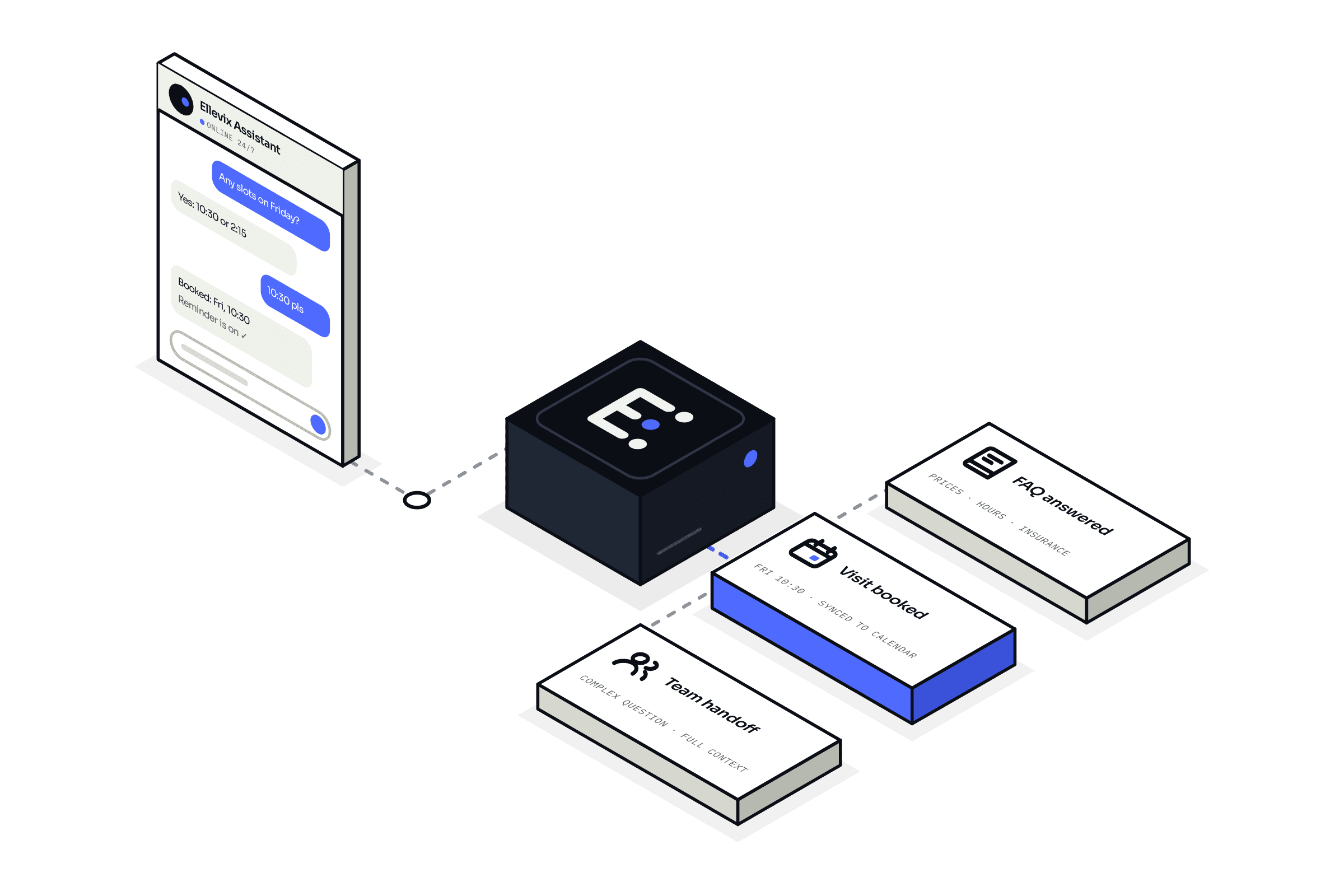
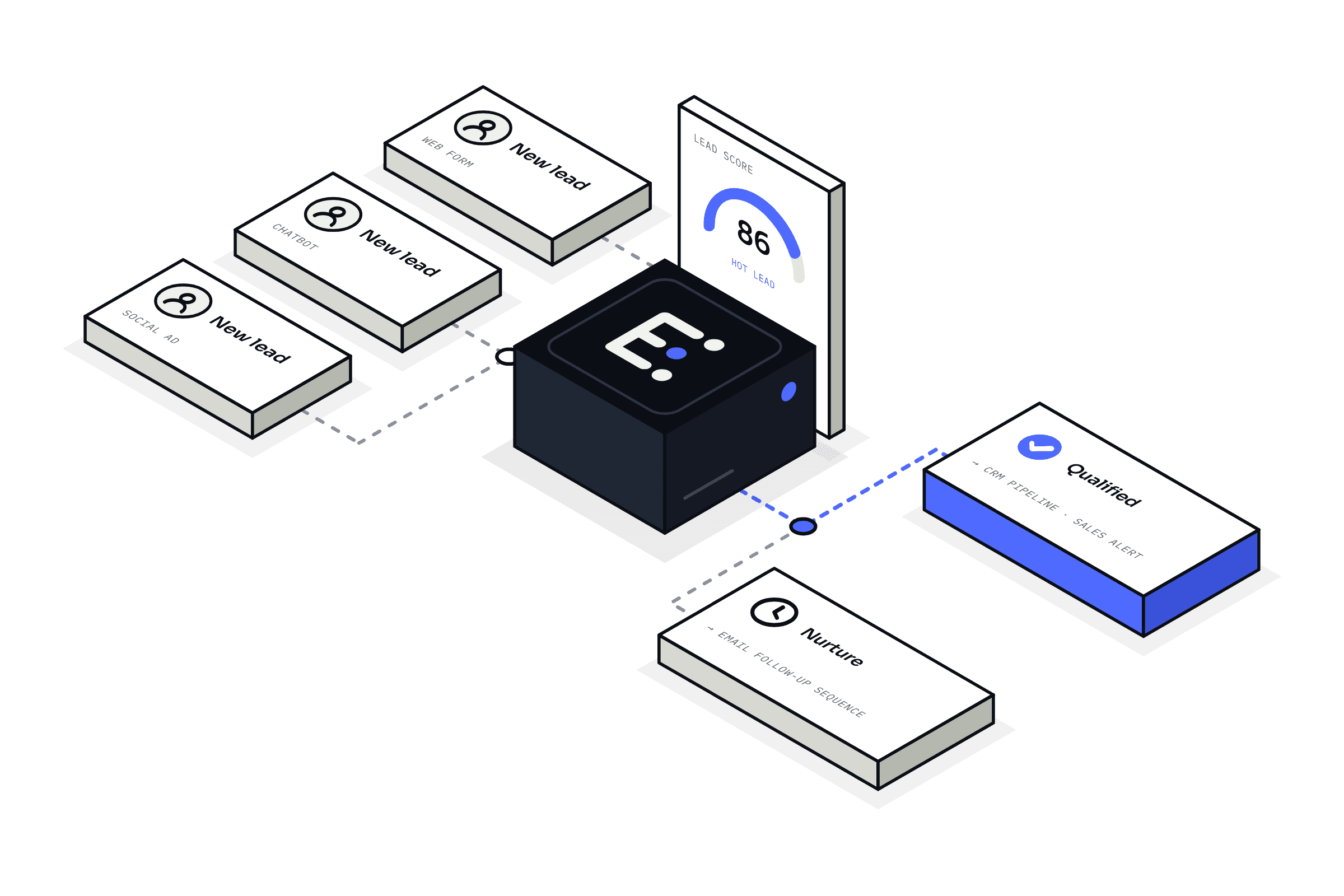
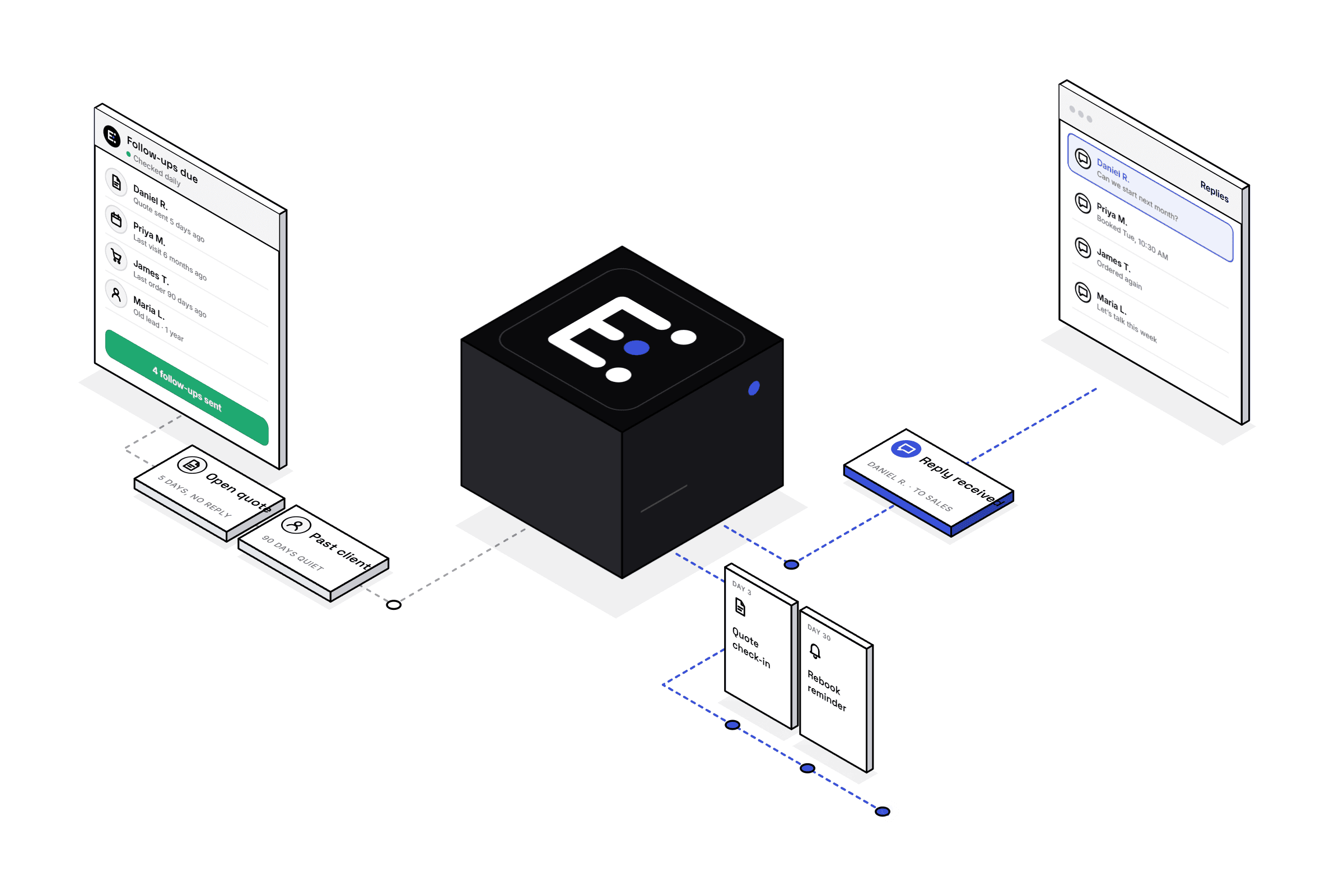
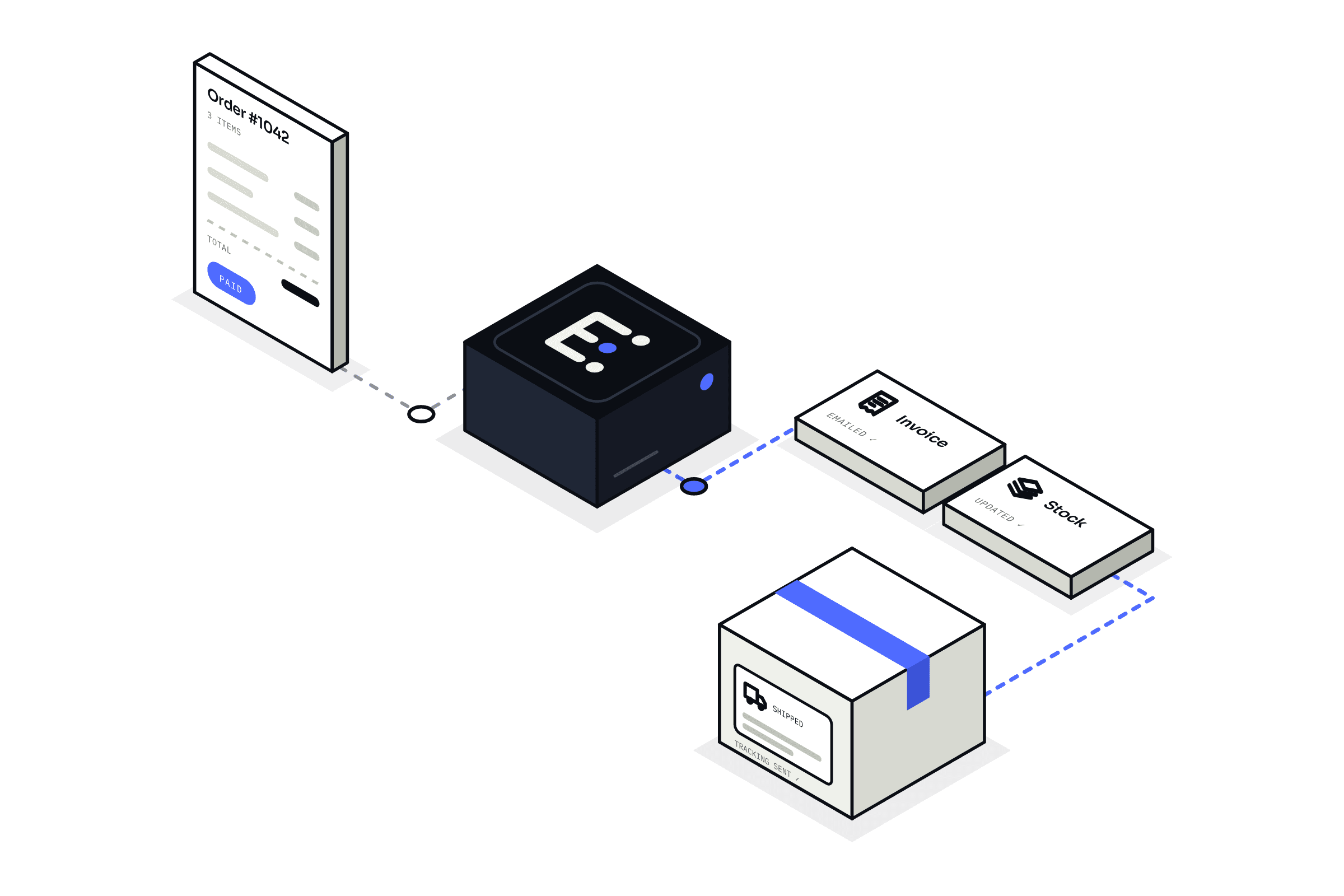
Get started
Stop chasing bookings. Start filling your calendar.
Book a free Automation Audit. We’ll look at how bookings work today and show you exactly what appointment automation would handle for your business.
Get a Free Automation Audit